> ## Documentation Index
> Fetch the complete documentation index at: https://docs.conduktor.io/llms.txt
> Use this file to discover all available pages before exploring further.
# Conduktor REST API — Console and Gateway automation
> Automate Conduktor using the Console and Gateway REST APIs. Manage users, groups, permissions, clusters.
## Conduktor API overview
You can automate some of your tasks using our REST API. Conduktor offers the Console API and Gateway API, each used for managing different resources.
**From our blog:** [Kafka automation platform: self-serve by policy](https://conduktor.io/blog/kafka-automation-platform) Why manual provisioning turns platform teams into a ticket queue, and how policy-based automation gives them their time back.
The Conduktor HTTP API can be used to manage your organizations users, groups and their associated permissions. You can also use it to interact with Kafka resources such as clusters and certificates.
[Go to the API portal](https://developers.conduktor.io/?product=console) or `/docs` in your deployment host (e.g., `http://localhost:8080/docs`).
Use the API portal to download the OpenAPI specification. You can then import it to tools such as [Postman](https://www.postman.com/) .
### Manage API keys
In Console, go to **Settings** > **API Keys** to manage and create new keys. Only members of the admin group can generate API keys and access the API.
Give it a unique name and click **Generate Key**. You can then copy it and use as required.
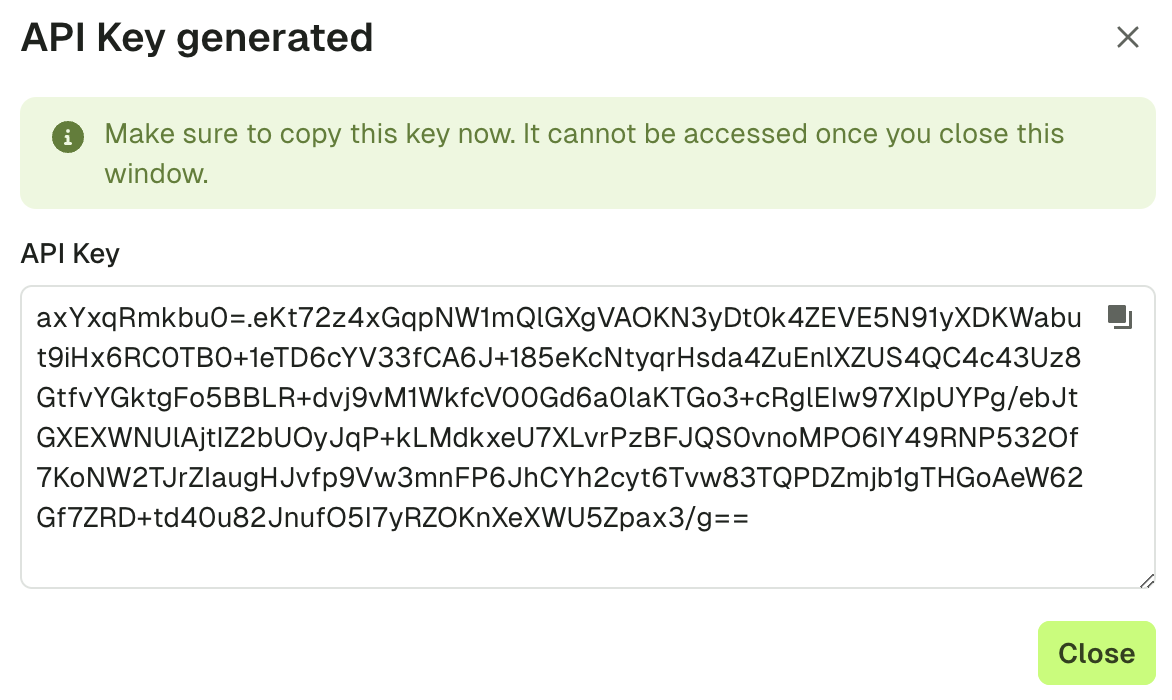 Make sure to copy the key as it won't be accessible when this window is closed.
### Revoke API keys
To revoke a key, select it from the list and click the **trash can** icon. You'll be prompted to confirm as this can't be undone.
### Example
Here's a sample request listing the permissions associated with group 'project-a':
```bash theme={null}
curl \
--request GET \
--url http://localhost:8080/public/iam/v2/group/project-a \
--header "Authorization: Bearer $ADMIN_API_KEY" | jq .
{
"apiVersion": "v2",
"kind": "Group",
"metadata": {
"name": "project-a"
},
"spec": {
"displayName": "Project A",
"description": "Group for the Project A",
"externalGroups": [
"my-ldap-group"
],
"permissions": [
{
"resourceType": "TOPIC",
"cluster": "underlying-kafka",
"name": "project-a-",
"patternType": "PREFIXED",
"permissions": [
"topicConsume",
"topicProduce",
"topicViewConfig"
]
}
]
}
}
```
The Conduktor Gateway HTTP API can be used to manage your organizations Interceptors and other resources such as alias topics or topic concentration rules.
[Go to the API portal](https://developers.conduktor.io/?product=gateway) or the HTTP root page of your deployment host (e.g., `http://localhost:8888/`).
Use the API portal to download the OpenAPI specification. You can then import it to tools such as [Postman](https://www.postman.com/) .
## Related resources
* [Automate with CLI](/guide/conduktor-in-production/automate/cli-automation)
* [Give us feedback/request a feature](https://conduktor.io/roadmap)
Make sure to copy the key as it won't be accessible when this window is closed.
### Revoke API keys
To revoke a key, select it from the list and click the **trash can** icon. You'll be prompted to confirm as this can't be undone.
### Example
Here's a sample request listing the permissions associated with group 'project-a':
```bash theme={null}
curl \
--request GET \
--url http://localhost:8080/public/iam/v2/group/project-a \
--header "Authorization: Bearer $ADMIN_API_KEY" | jq .
{
"apiVersion": "v2",
"kind": "Group",
"metadata": {
"name": "project-a"
},
"spec": {
"displayName": "Project A",
"description": "Group for the Project A",
"externalGroups": [
"my-ldap-group"
],
"permissions": [
{
"resourceType": "TOPIC",
"cluster": "underlying-kafka",
"name": "project-a-",
"patternType": "PREFIXED",
"permissions": [
"topicConsume",
"topicProduce",
"topicViewConfig"
]
}
]
}
}
```
The Conduktor Gateway HTTP API can be used to manage your organizations Interceptors and other resources such as alias topics or topic concentration rules.
[Go to the API portal](https://developers.conduktor.io/?product=gateway) or the HTTP root page of your deployment host (e.g., `http://localhost:8888/`).
Use the API portal to download the OpenAPI specification. You can then import it to tools such as [Postman](https://www.postman.com/) .
## Related resources
* [Automate with CLI](/guide/conduktor-in-production/automate/cli-automation)
* [Give us feedback/request a feature](https://conduktor.io/roadmap)