

Learn how to configure data retention policies in Kafka in 10 minutes Kafka log retention controls how long messages are stored before being deleted. Understanding retention configuration is essential for managing storage costs, compliance requirements, and consumer catch-up scenarios. What you’ll learn:Documentation Index
Fetch the complete documentation index at: https://docs.conduktor.io/llms.txt
Use this file to discover all available pages before exploring further.
- How Kafka’s delete cleanup policy works
- How to configure retention by time and size
- The relationship between broker and topic-level settings
- Common retention patterns for different use cases
Log retention overview
Kafka stores messages for a set amount of time and purges messages older than the retention period. This expiration happens due to thelog.cleanup.policy=delete policy (the default for user topics).
Retention configuration options
Retention by time
The most common configuration for how long Kafka will retain messages is by time.| Setting | Default | Description |
|---|---|---|
log.retention.hours | 168 (7 days) | Retention time in hours |
log.retention.minutes | - | Retention time in minutes |
log.retention.ms | - | Retention time in milliseconds |
Retention by size
Another way to expire messages is based on the total number of bytes of messages retained.| Setting | Default | Description |
|---|---|---|
log.retention.bytes | -1 (unlimited) | Maximum size per partition |
How retention is applied
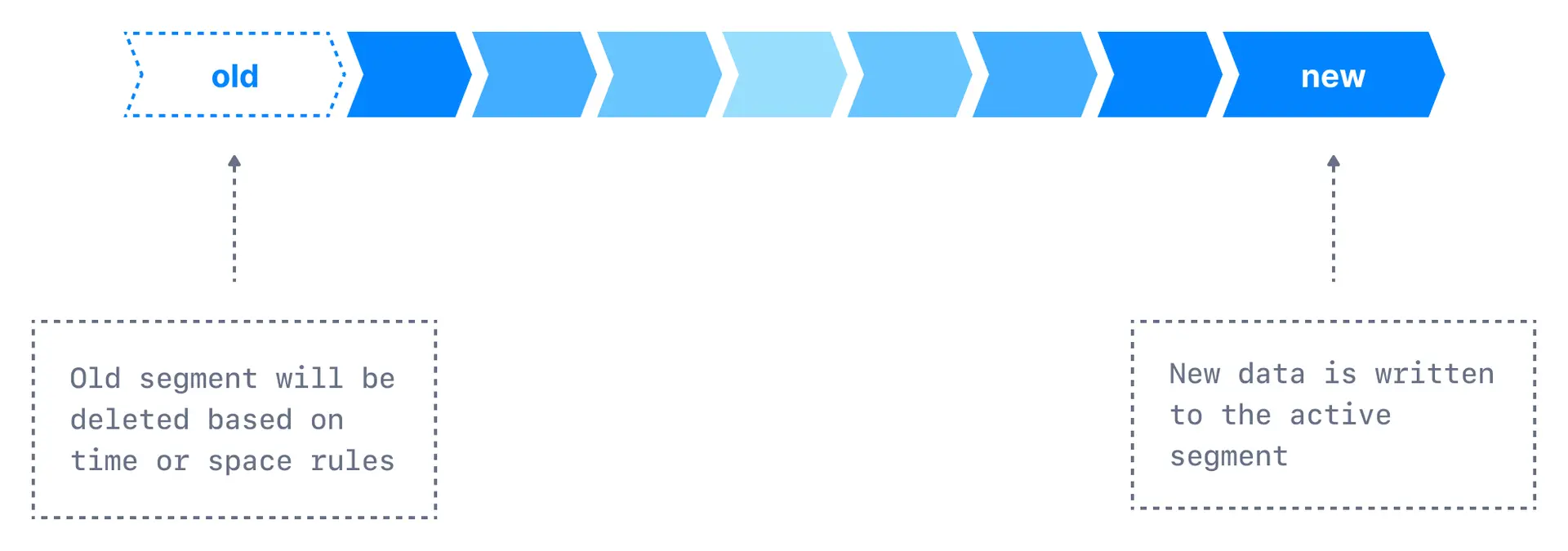
log.retention.bytes and log.retention.hours, messages may be removed when either criteria is met.
Common retention patterns
One week of retention (default)
Infinite time retention bounded by 500MB
Short retention for high-volume topics
Compliance: 90 days retention
Configure retention
To set these configurations using the CLI:Retention decision guide
See it in practice with ConduktorConduktor Console displays topic retention settings and current storage usage. Monitor disk space consumption to validate your retention configuration meets both storage and compliance needs.The Insights dashboard identifies empty, stale, and tiny topics that may be consuming unnecessary storage, helping you make data-driven decisions about retention policies and topic cleanup.
Next steps
- Understand log compaction as an alternative cleanup policy
- Learn about log segments for deeper understanding
- Configure topics with CLI for more options