

Conduktor Terraform overview
The Conduktor Terraform provider gives you the ability to perform some operations on Conduktor Console state directly from existing Terraform Infrastructure-as-Code environment .The Conduktor Terraform provider may not include the latest features. Check out all the supported resources.
Install
The provider should be installed automatically withterraform init, however we recommend to pin a specific version or range of versions using the required_provider configurations :
Configure
To use the Conduktor Terraform Provider, you need to configure:- the mode, since the provider can also be used for managing Conduktor Gateway resources,
- the URL of Conduktor Console,
- the authentication mechanism: either using an API key or the local user credentials (usually admin account)
Authenticate using API Keys
- Admin API Key
- Self-service Application API Key
Admin API Keys grant the maximum permissions on Console.
- CLI
- UI

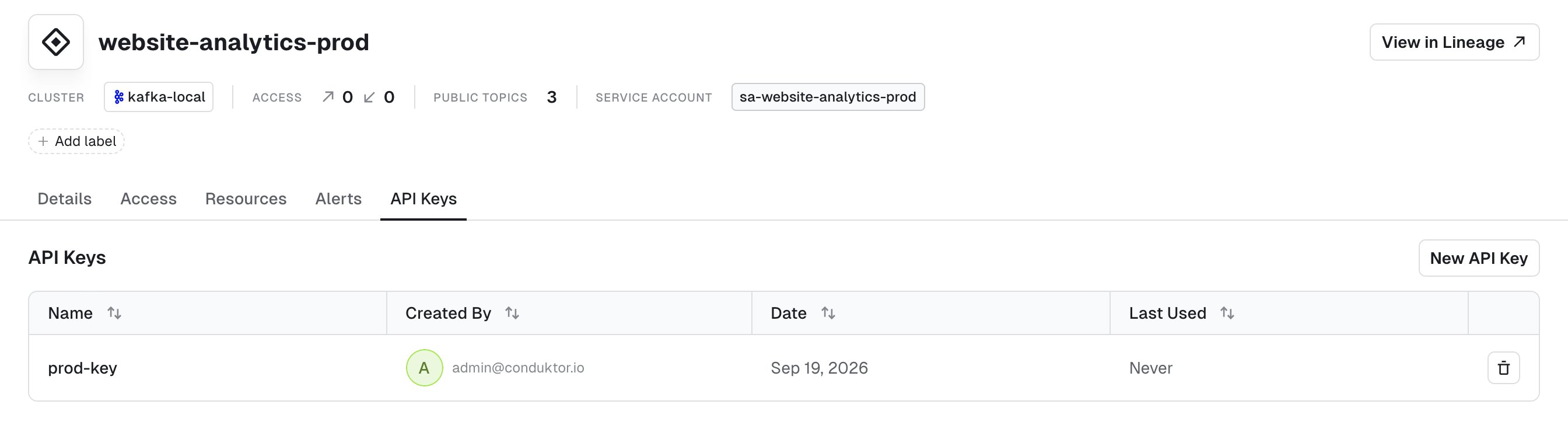
Authenticate using short-lived user credentials
This type of API Key will have the permissions of the user who created it. It only works for Local and LDAP users. Short-lived user API Keys will be valid for the same duration as the configured session timeout.OIDC users can’t be used.
Environment variables
The provider configuration also supports environment variables for all attributes except formode.
The configuration resolution is (in order of priority):
- HCL values
- Environment variables
- Default values (if applicable)
Provider usage
Once the provider is configured, all the currently available resources can be used in the Terraform definition.Usage example
A full example of user and group creation using Conduktor Console locally is available on port8080 with default admin account credentials admin@mycompany.io / adminP4ss!.
conduktor-iac.tf
conduktor-iac.tf file:
bob@mycompany.io and you’ll be recognized by Conduktor as being in the team-a group.
To revert the Conduktor state, you can destroy the created resources using terraform destroy. Find out more about Terraform CLI commands .
Case of the generic resource
The generic resource leverages the YAML format used by the CLI to be used as resource definition in Terraform.